Tool · In development · October 2026
Shader Playground
A LÖVE workbench for stacking GLSL effects: six generative sources, twenty-eight effects, live sliders and color pickers, and shaders that reload the moment you save them.
Clips
Building a look
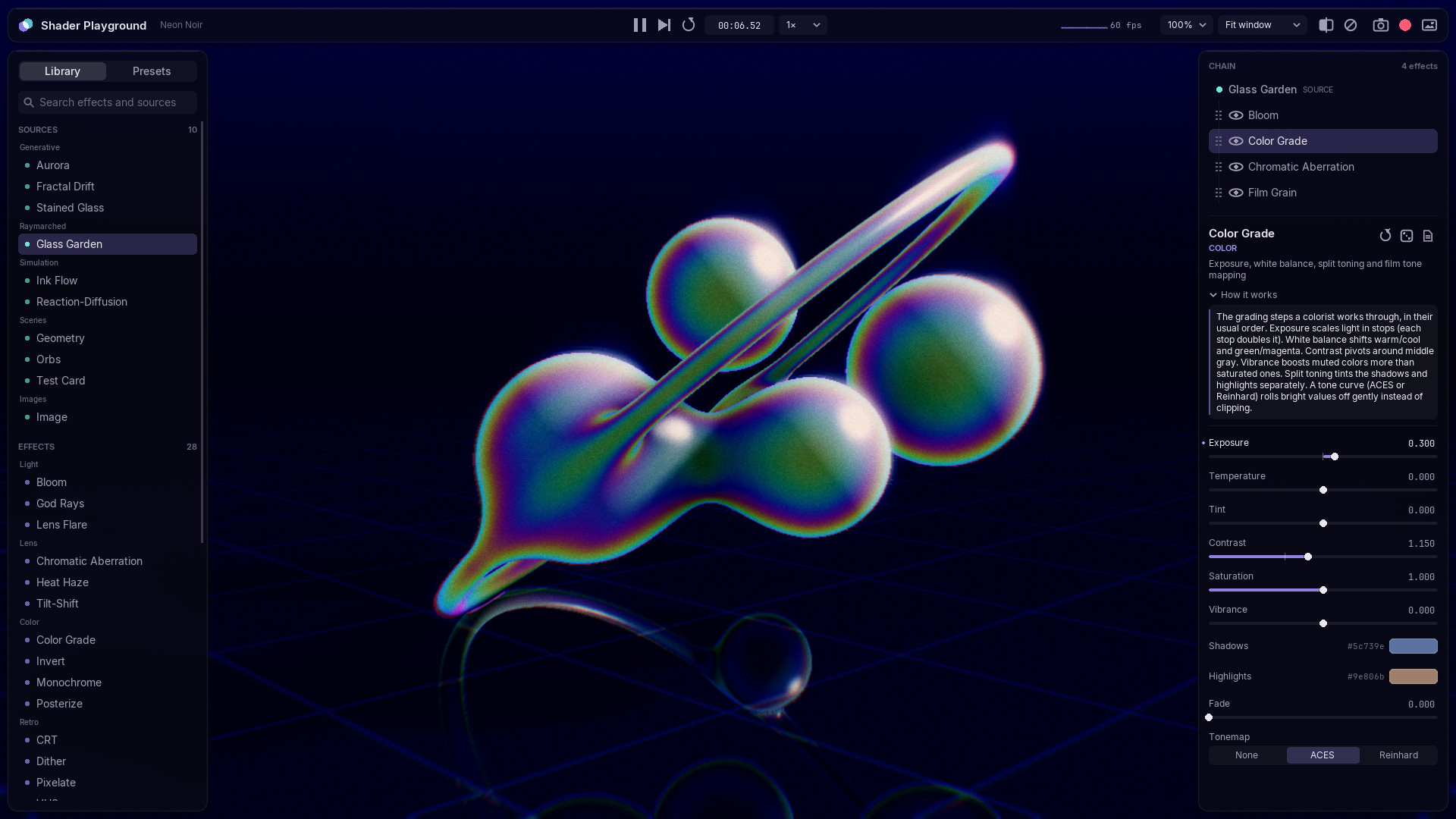
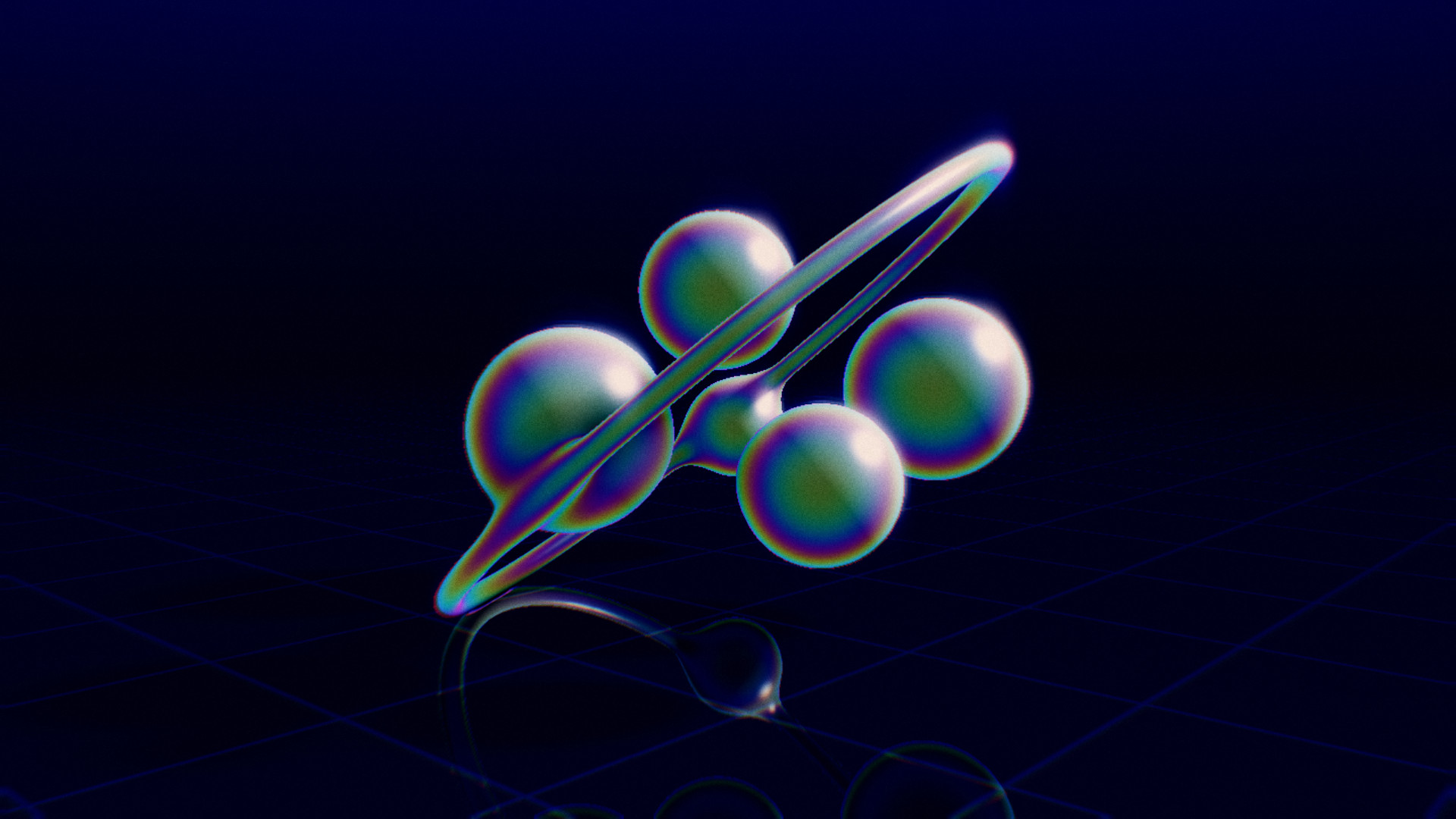
Raymarched glass with Bloom, Color Grade and Halftone added from the library. Sliders, the color picker, an orbit drag and a before/after sweep, then the same chain carried across three other sources with one key.
Touch
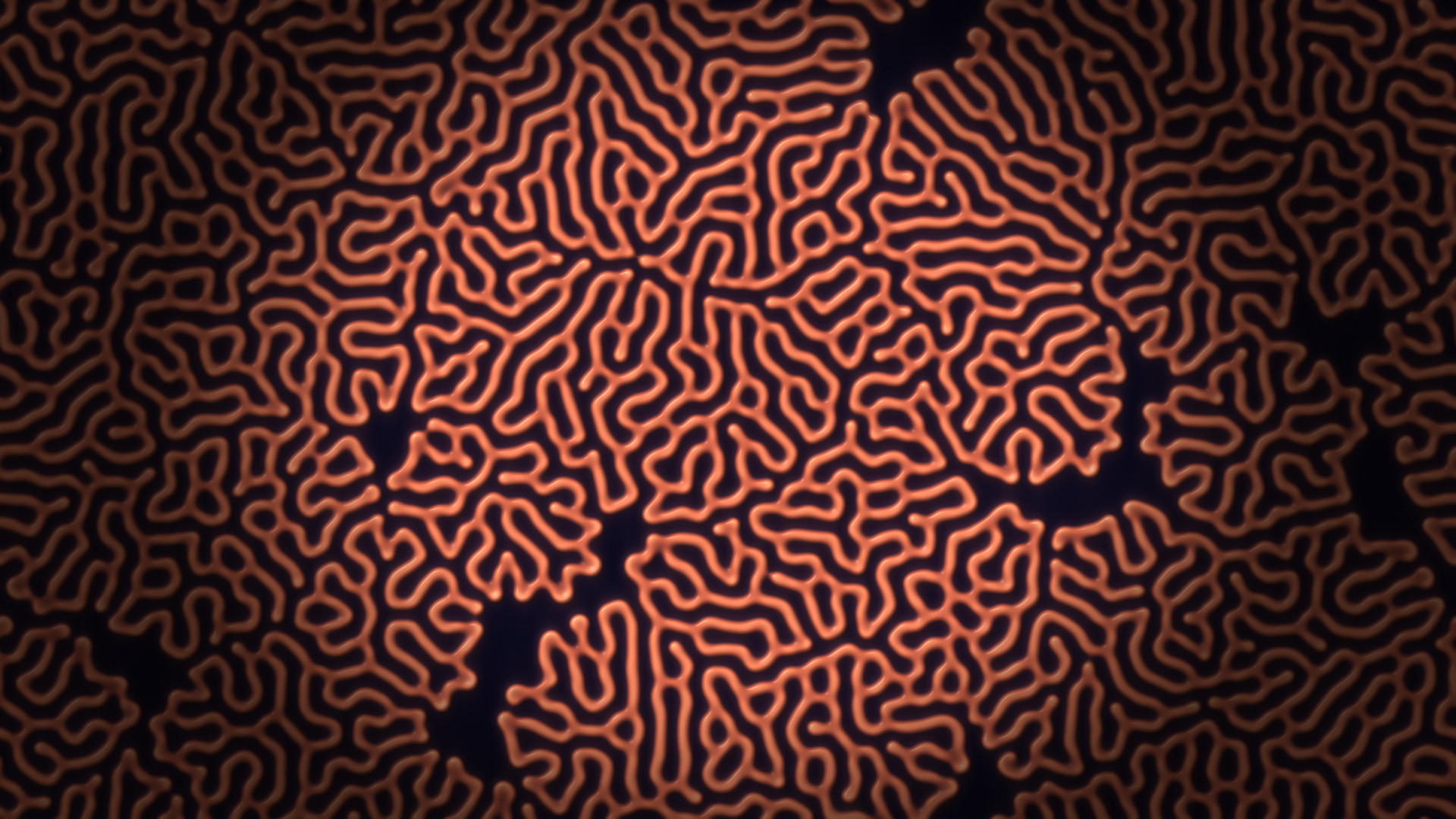
Dragging on the image feeds the shader's iMouse. Here it draws a ribbon of ink into a curl-noise current, then plants a spiral of seeds in Gray-Scott chemistry and lets the coral grow.
Screenshots
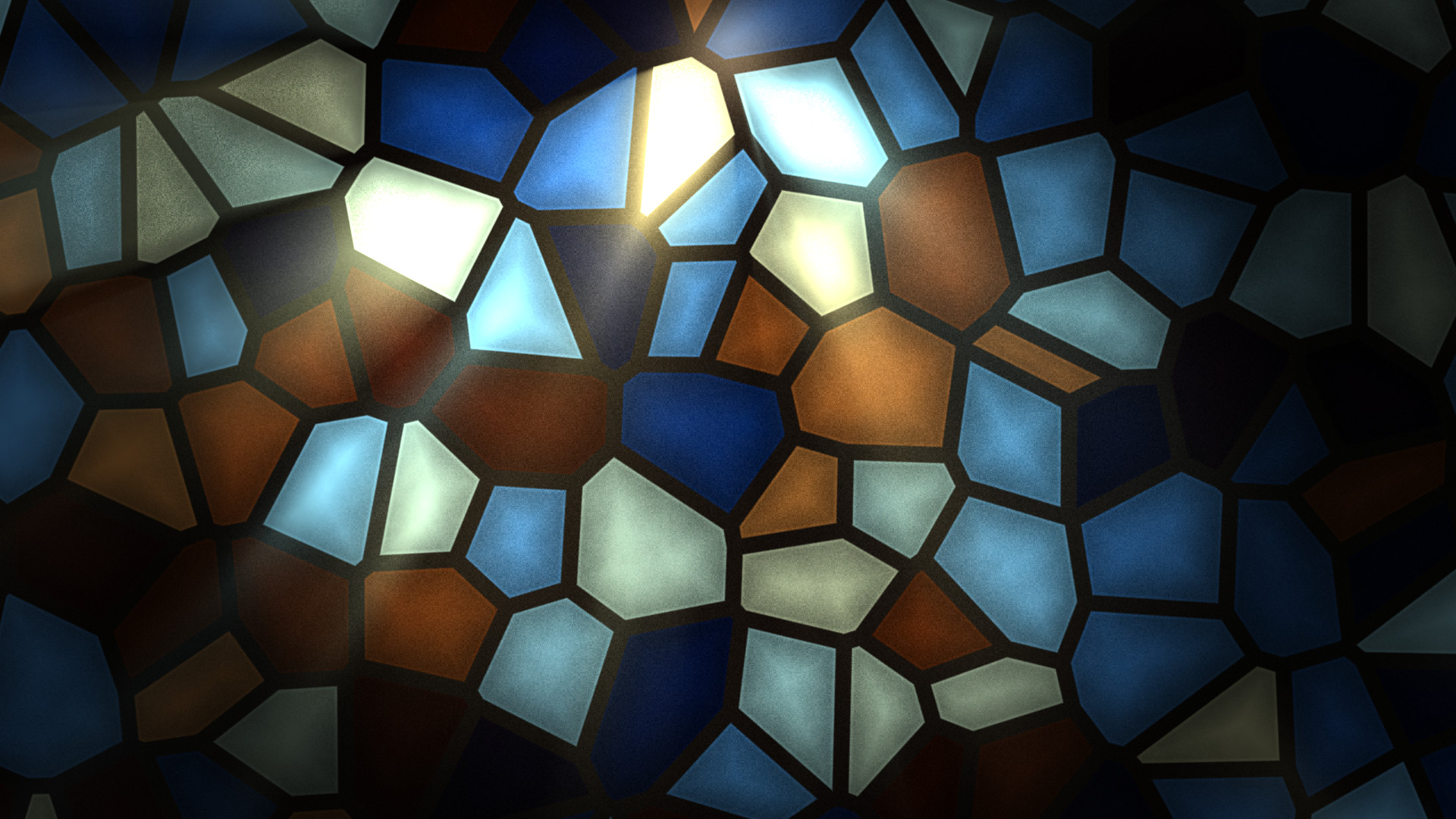
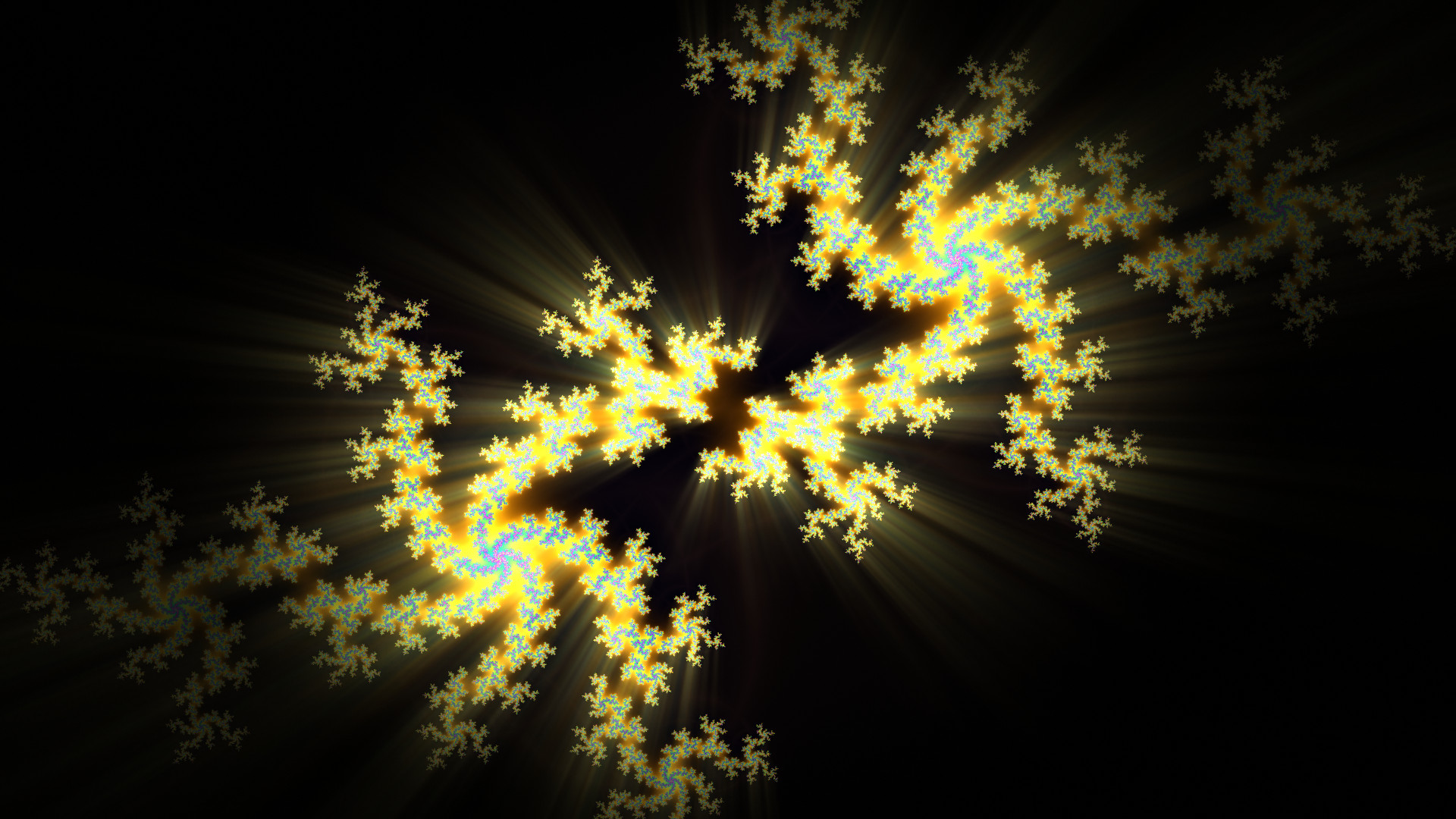
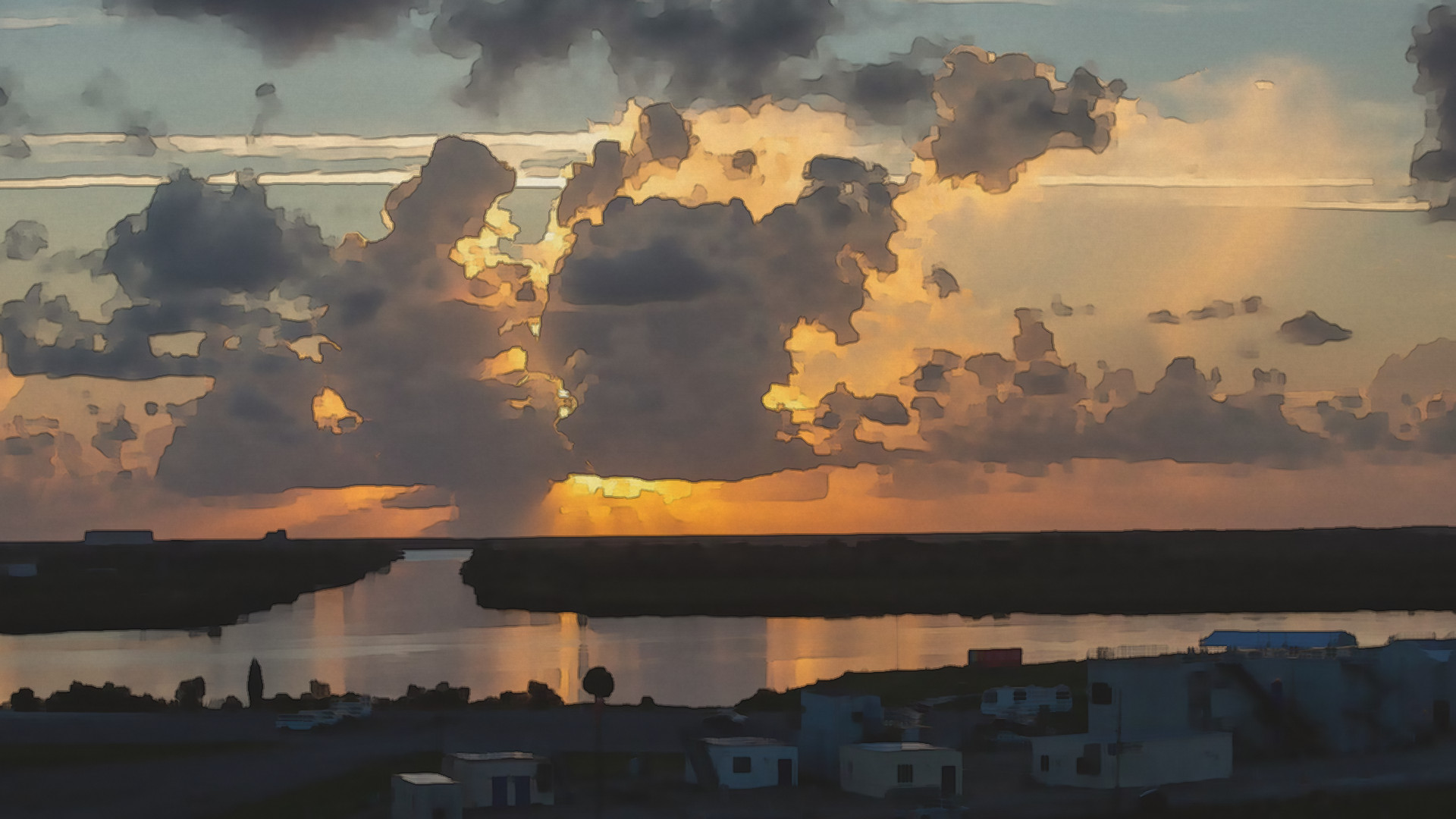
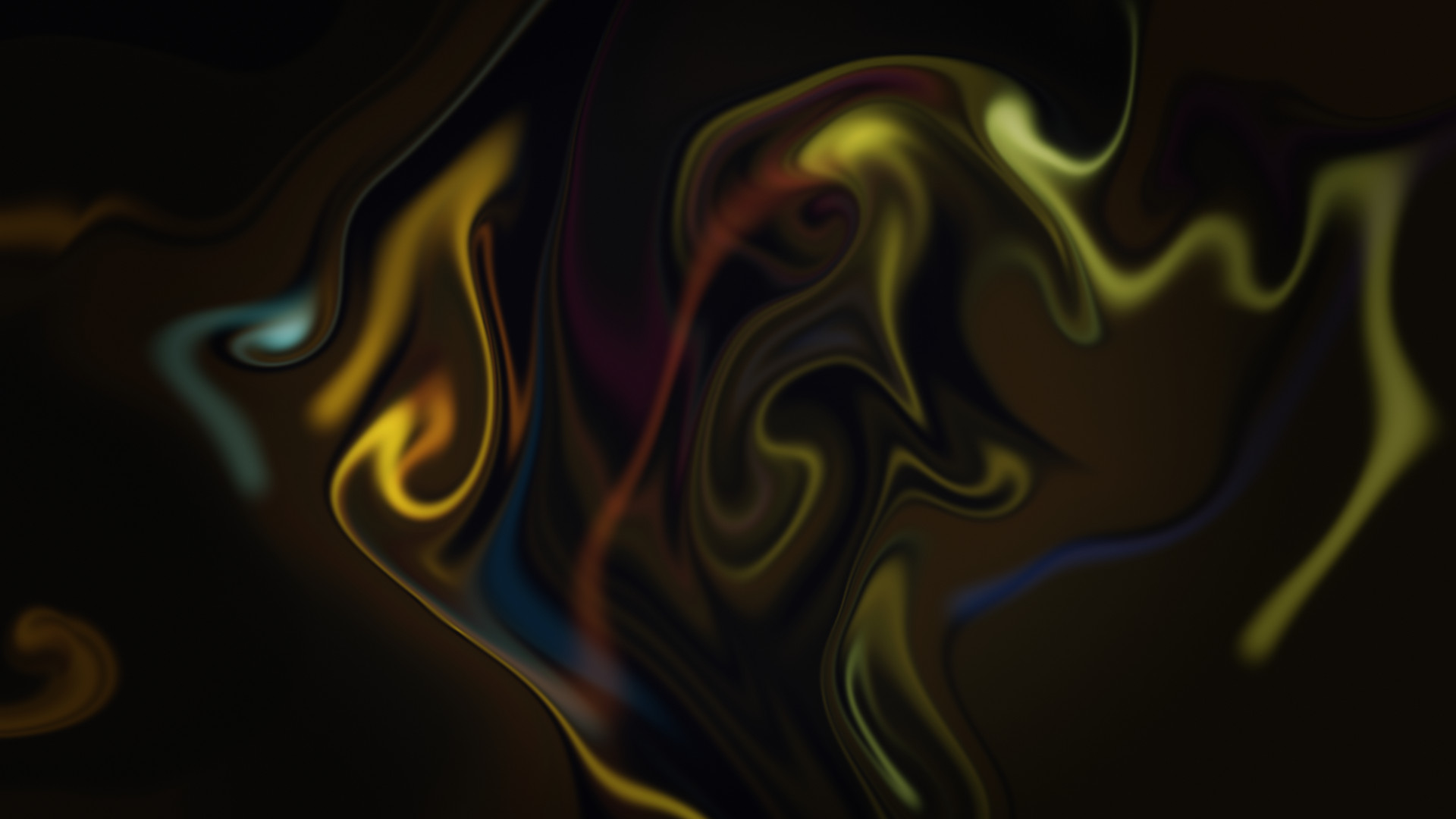
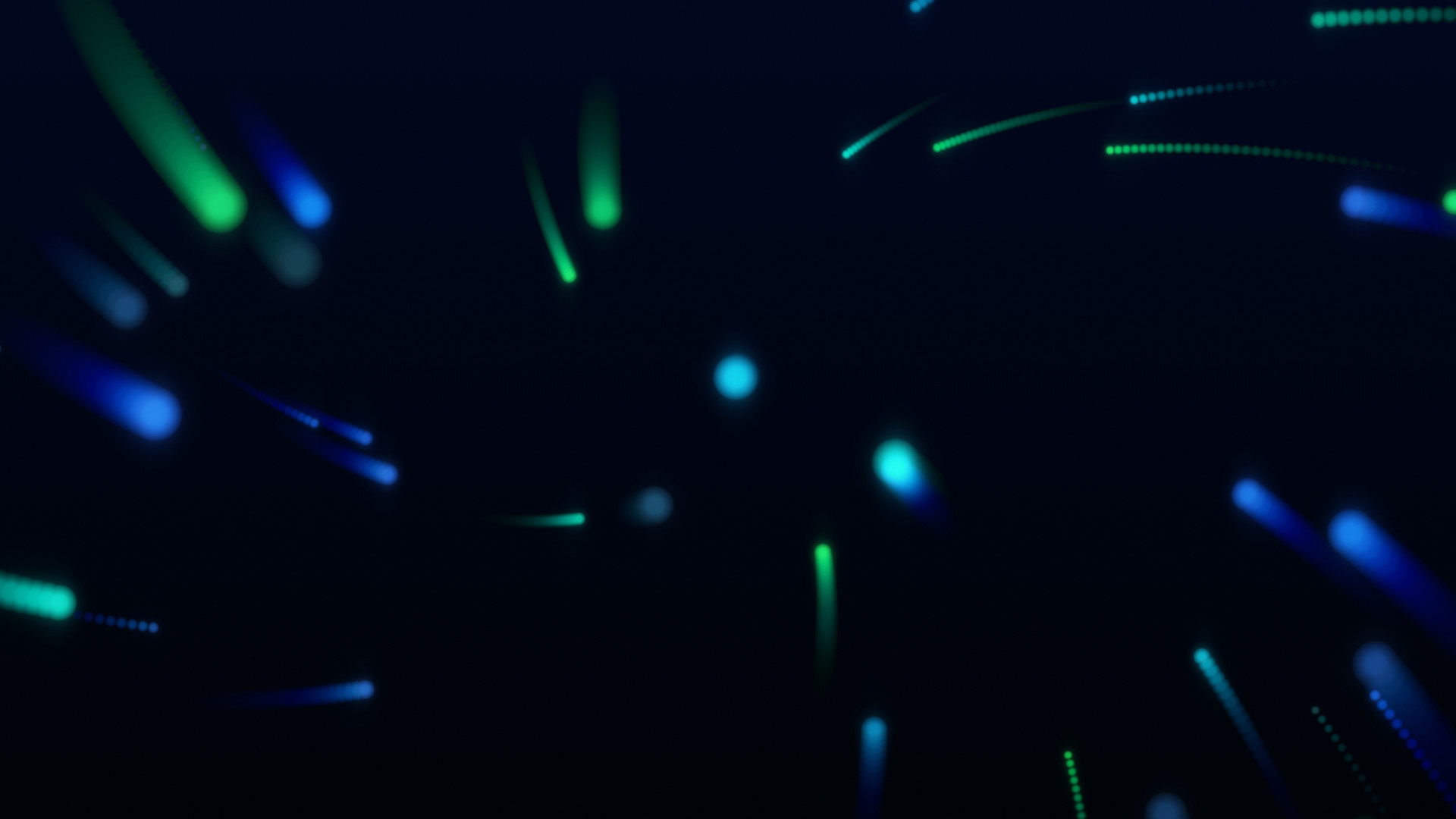
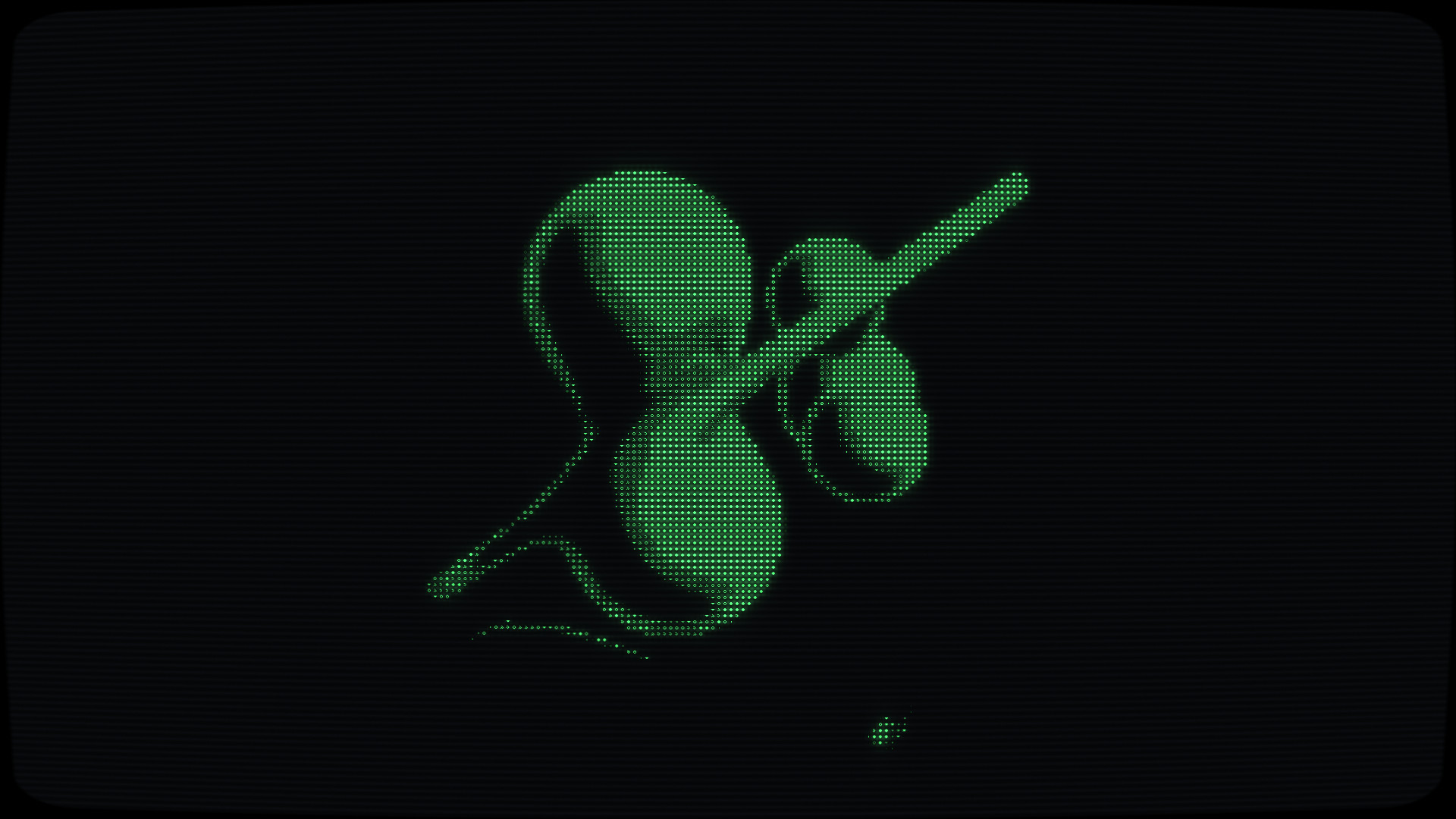
About
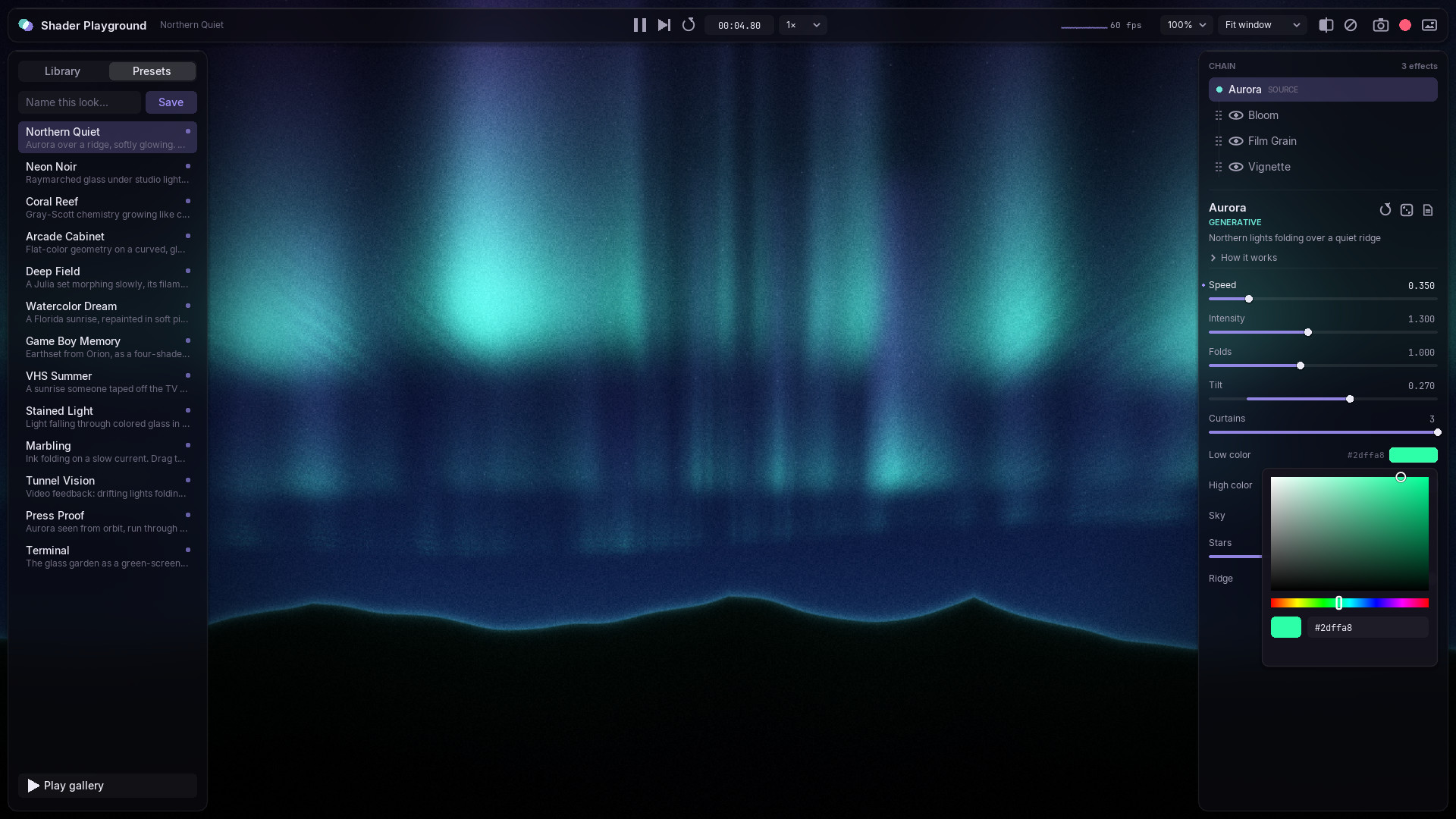
Shader Playground is a workbench for building looks out of fragment shaders. You pick a source: a generative shader, a scene drawn in Lua, or any photo dropped onto the window. You stack effects on top of it, then shape every parameter with sliders, color pickers and XY pads while the image keeps moving. Each shader is a plain .glsl file, and it reloads the moment you save it.
It is also a small gallery of what shaders can do. Every source and effect carries a short How it works note in the inspector: why Kuwahara keeps edges crisp, how two chemicals diffusing at different speeds grow coral, why curl noise folds ink into ribbons and never into puddles. The idea is that you can learn the trick while you play with it.
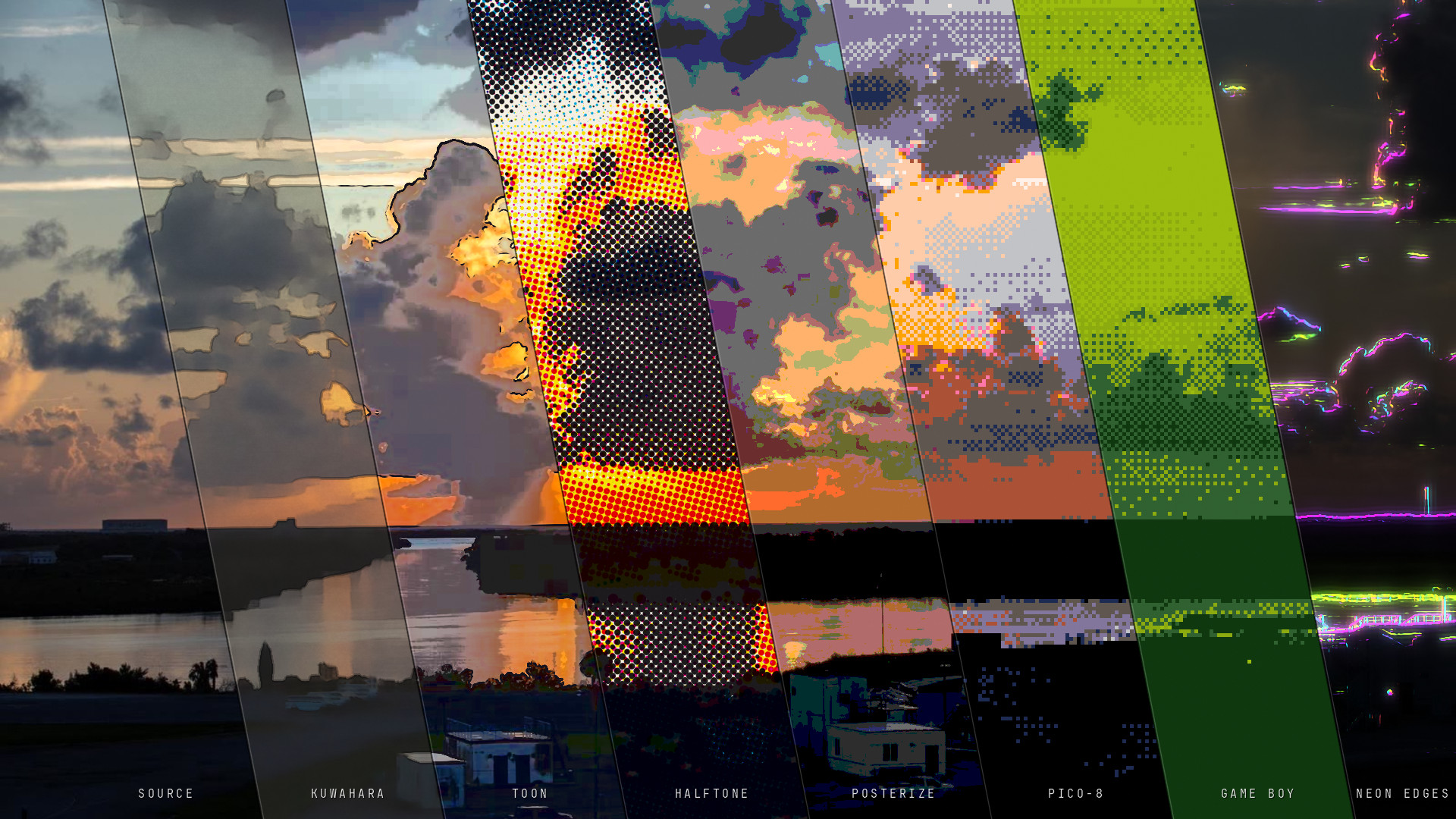
The cover is a single frame, a NASA photo of sunrise at Kennedy Space Center, cut into eight panes. Each pane shows the same instant through a different chain: the untouched source, then Kuwahara and paper, toon, halftone, posterize, PICO-8 and Game Boy dithering, and neon edges. That is the whole project in one picture: one image, many lenses.
What’s Inside
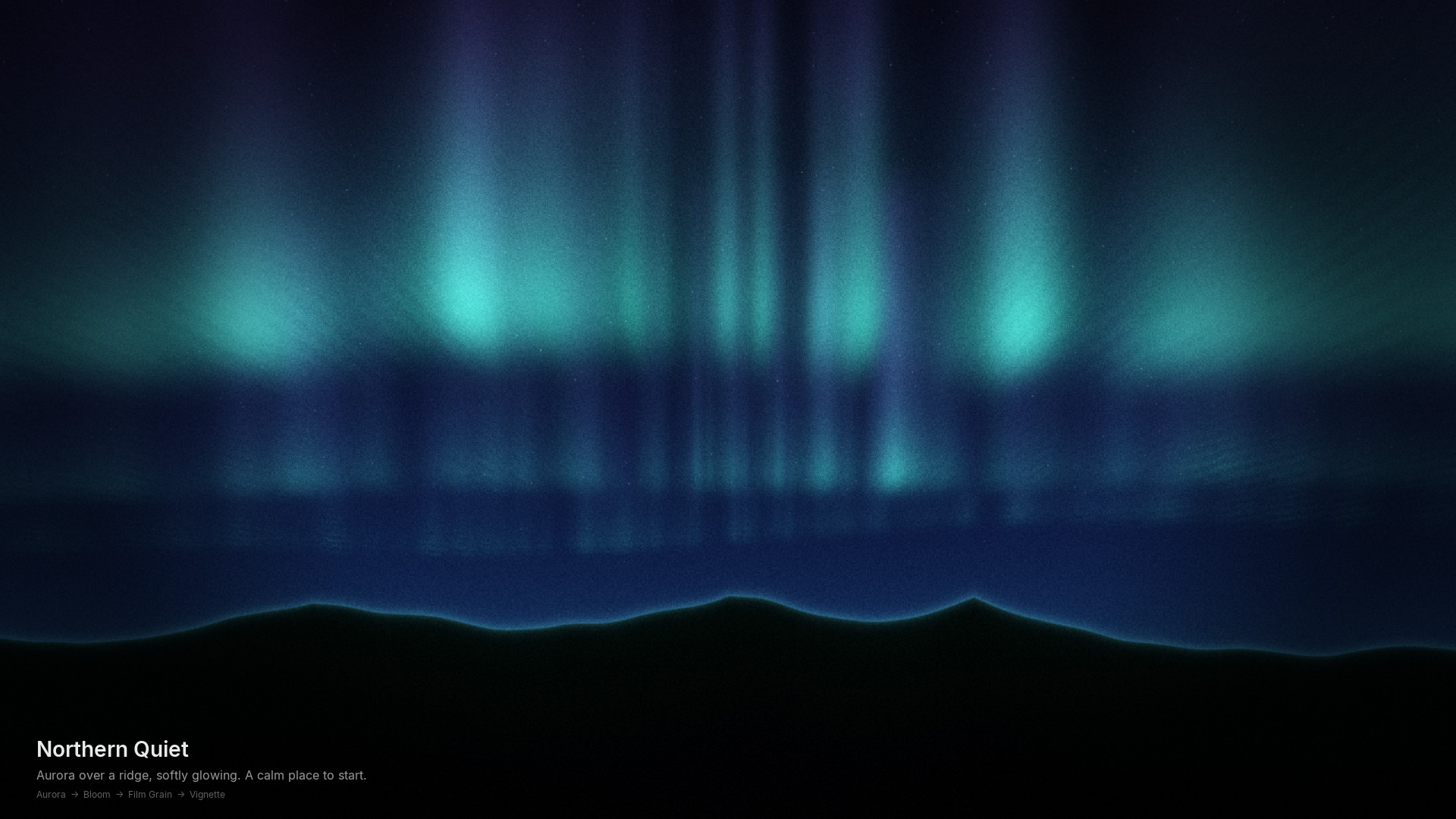
Sources: Aurora · Glass Garden (raymarched, iridescent, drag to orbit) · Fractal Drift · Reaction-Diffusion · Ink Flow · Stained Glass · Lua scenes (Orbs, Geometry, Test Card) · Image (three NASA photos bundled; drop in your own)
Effects, by shelf:
- Light: Bloom, God Rays, Lens Flare
- Lens: Chromatic Aberration, Heat Haze, Tilt-Shift
- Color: Color Grade (exposure, white balance, split toning, ACES), Monochrome, Posterize, Invert
- Paint: Kuwahara, Paper, Halftone, Toon, ASCII, Edge Detect
- Retro: CRT, VHS, Dither (Game Boy, PICO-8, CGA, 1-bit…), Pixelate
- Distort: Wave, Kaleidoscope, Radial Blur, Glitch
- Time: Feedback Trails, Motion Smear
- Film: Film Grain, Vignette
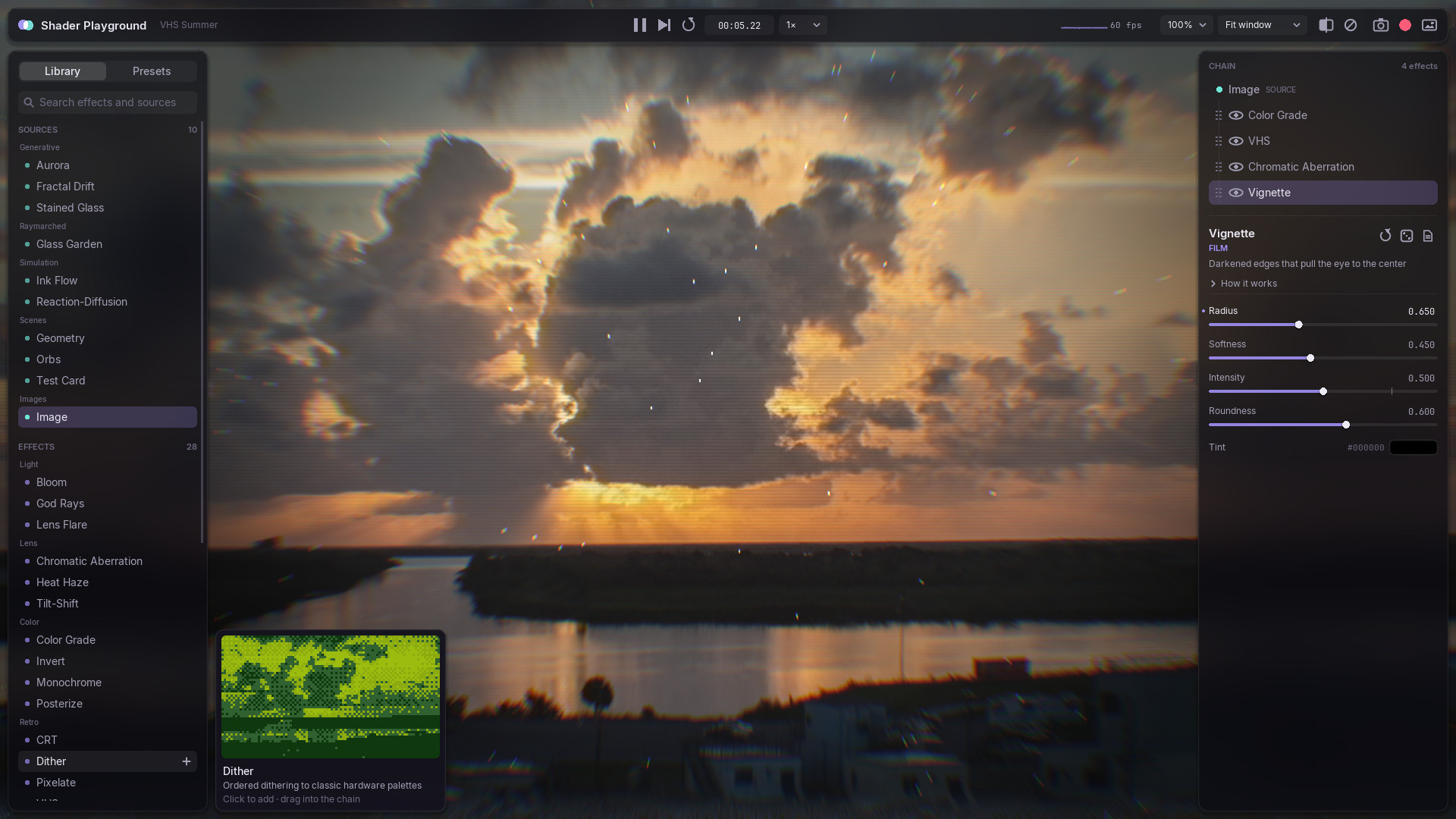
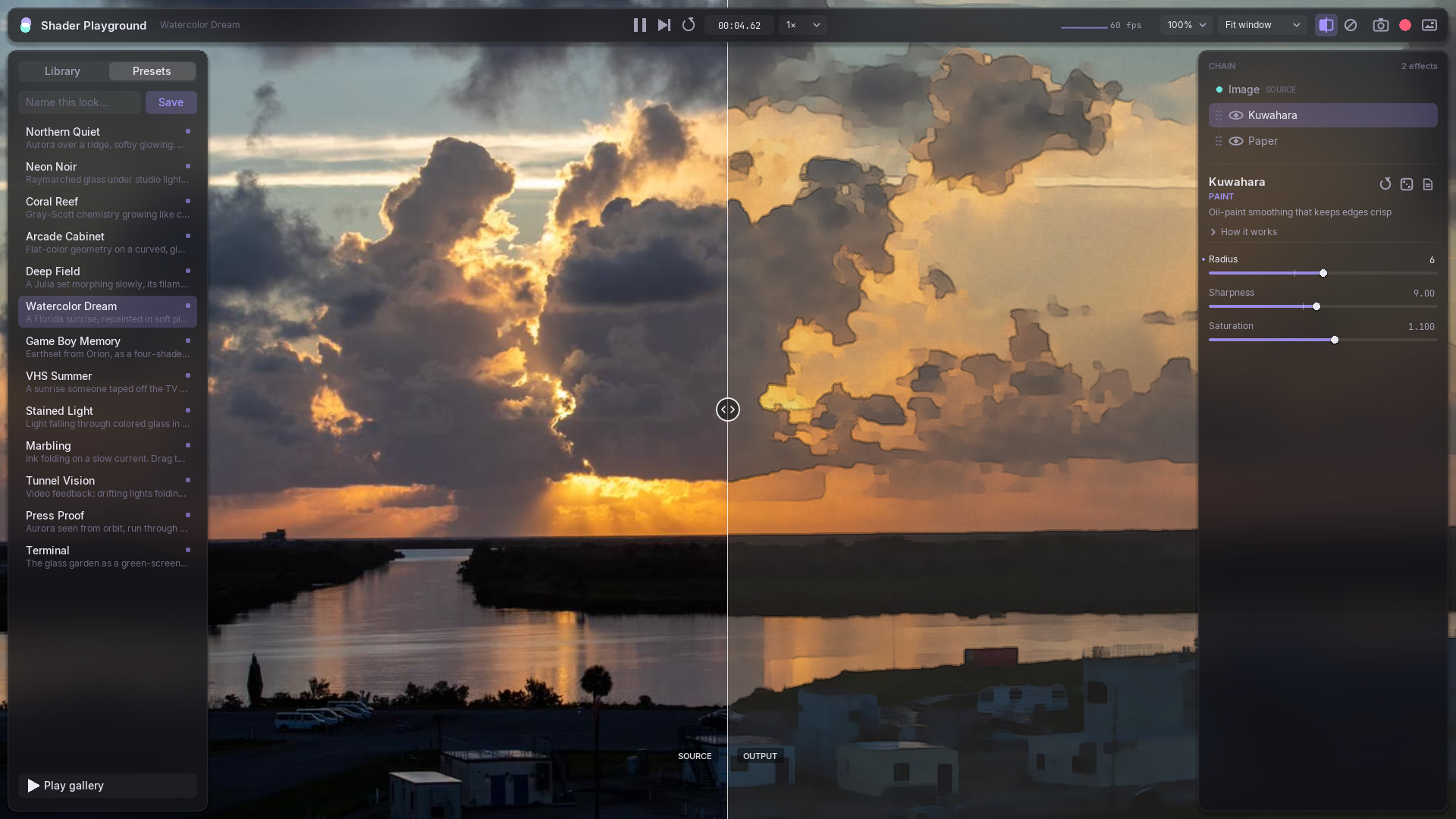
Thirteen curated presets, from Northern Quiet to Terminal, double as a gallery mode: a slow, captioned slideshow that crossfades between looks and names the chain under each one.
The Workbench
- Try before you add. Hover a library entry and a live preview card shows it running over your current image. Click to add it, or drag it straight into a position in the chain.
- A chain you can hold. Drag rows to reorder, use the eye icon to bypass a node, and press A / D to swap the selected slot for its neighbor in the library. The rest of the chain stays where it is, so one look can travel across every source.
- Sliders that respect your hands. Shift gives fine control, Ctrl snaps, a double-click lets you type an exact value, and a right-click resets. Colors open an HSV picker. Vectors get XY pads.
- Before and after. Press C and drag the divider to compare the source with the output.
- Touch the image. Dragging on the picture feeds the shaders’
iMouse. It orbits the glass, seeds new coral, and paints into the ink. - Capture. F12 takes clean screenshots. F9 records on a fixed 30 fps clock and encodes an MP4 and a palette-optimized GIF through ffmpeg.
Writing Shaders
A comment is a user interface. Annotate a uniform and the inspector builds the right widget for it. The GLSL type picks the control, and an optional word refines it:
// @name Chromatic Aberration
// @category Lens
uniform float strength; // default=0.008 min=0 max=0.05 step=0.0005
uniform vec3  tint;     // color default=#ffd9a0
uniform vec2  center;   // xy default=0.5,0.5
uniform float angle;    // angle default=0
uniform int   mode;     // enum=Radial,Directional default=Radial
Shaders get Shadertoy-style uniforms for free (iTime, iResolution, iMouse, iFeedback) along with includes for noise, blur, color and SDF helpers. A //@pass line splits a file into passes that read each other by name. Mark a pass persist and point it at itself, and it becomes a simulation: that’s how Reaction-Diffusion and Ink Flow live in a single file each.
When something breaks, the error points at the exact file:line, even inside an included file, and the last working version keeps rendering. A typo doesn’t blank the screen.
How These Were Made
Every image and clip on this page was rendered by the app itself. Shader Playground ships with a test harness: a script of timed steps that clicks and drags real widgets by ID with a virtual mouse. The same harness drove these captures on a locked 60 Hz clock, so each frame lands exactly on time even though writing 1080p frames is far slower than real time. The cursor in the clips is drawn over that virtual mouse. No hands were involved, and nothing was retouched. The only edits are the fades between scenes.
Technical Details
- Language: Lua on LÖVE 11.5; GLSL 3.30
- Pipeline: source → effect chain → dithered present, with rgba16f intermediates, a frame-scoped canvas pool, and node-owned ping-pong buffers for simulations and feedback
- Shader library: annotated-uniform parser, multi-pass composer with
#include, hot reload that compares file contents, and line maps for errors that cross includes - UI: a custom immediate-mode toolkit with frosted panels that sample the live image beneath them
- Capture: threaded PNG/TGA encoders; ffmpeg for MP4 and GIF
- Tests:
--selftestcompiles and renders every shader and preset; scripted UI, hot-reload and capture tests run the real app - Libraries: LoveLibs as a git subtree (settings, debug overlay)
- Assets: Inter and JetBrains Mono (SIL OFL); sample photos courtesy of NASA